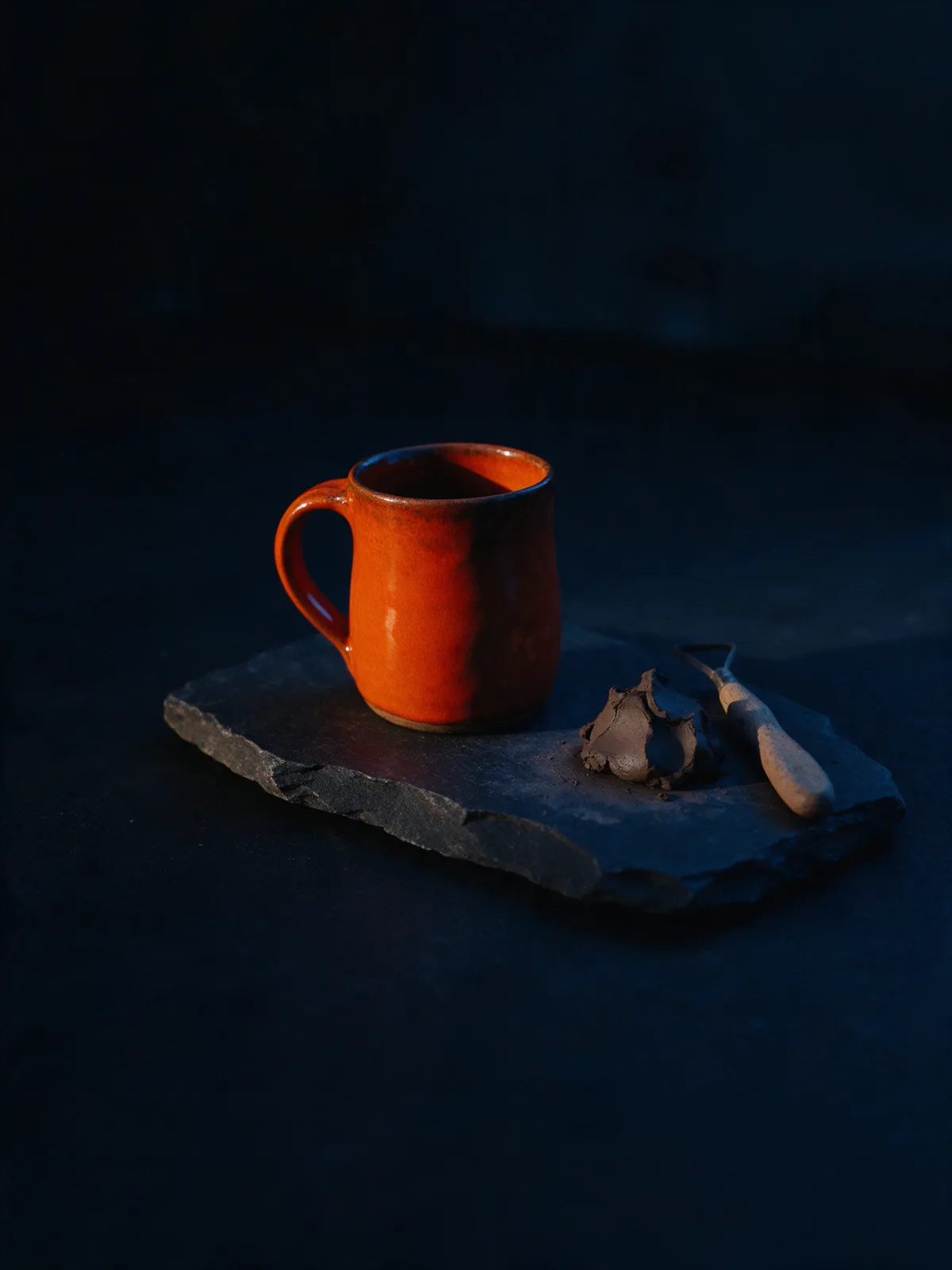
Design Studio
Scroll-stopping graphics, made next to the post
Design, resize and polish visuals in the same place you write and schedule. Pick a size, start from a template and let AI handle the fiddly edits.
7-day free trial on every plan. Cancel anytime.
JJuniper Plant Co.
Low-light heroes
New arrivals this week

Portrait post · 1080 × 1350px
Everything you need sits in one left rail
Templates, text, images, shapes, drawing, uploads, your brand kit and backgrounds. Click through the rail below; the canvas responds.
Spring launch · Portrait1080 × 1350 Use in post
Templates
JJuniper Plant Co.
Low-light heroes
New arrivals this week
Layers
Stack, lock and hide without losing your place
Every element is a layer you can reorder, rename, lock or hide. Lock the logo and background so edits never knock them out of position.
- Drag to reorder layers
- Lock elements that must not move
- Hide drafts instead of deleting them
Layers
- Sh“Shop now” button
- TeHeadline
- ImPlant photo
- BrLogo
- ShDraft sticker
- FiBackground
Size presets
The right size for every network, one click away
Start a design at the exact dimensions a network expects, or resize an existing one and adjust the layout.
Story / Reel
1080 × 1920
Instagram, TikTok, Shorts
Portrait
1080 × 1350
Instagram and Facebook feed
Square
1080 × 1080
Most feeds
Landscape
1200 × 675
X, LinkedIn, Bluesky
Pin
1000 × 1500
Pinterest
Cover
1584 × 396
LinkedIn banner
Edits that used to take an hour, done in a click
Clean up, expand or reimagine an image without exporting it to another app.
Magic erase
Brush over a stray object or a busy corner and it’s gone, background filled in naturally.
Extend
Turn a square photo into a tall Story by growing the scene beyond its edges.
Inpaint
Select an area, describe what should be there, and get a few options to choose from.
Remove background
Cut a product out cleanly so it sits on any colour or scene.
Generate image
Describe a visual and get one in your brand’s style. 2 credits per image; failed images are refunded.
Generate background
Swap a plain backdrop for a styled scene that fits the product. 2 credits per image.
AI text
Headlines and short copy written in your brand voice, right on the canvas. 1 credit per request.
Brand kit
Your logo, colours and fonts, always within reach
PostRocket pulls your brand kit from your Brand profile, so every new design starts on-brand. Swap a template to your palette in one click.
- Logos in light and dark versions
- Palette applied to templates automatically
- Heading and body fonts set once
Juniper Plant Co. · Brand kit
Logos
JJ
Colour palette
Forest#064e3b
Leaf#10b981
Sun#fcd34d
Cream#fef3c7
Fonts
Grow something good
Body text for captions, offers and longer notes.
Templates
Start from a layout, finish in your style
Browse by what you want to say. Every template takes on your brand kit when you open it.
Showing 12 templates
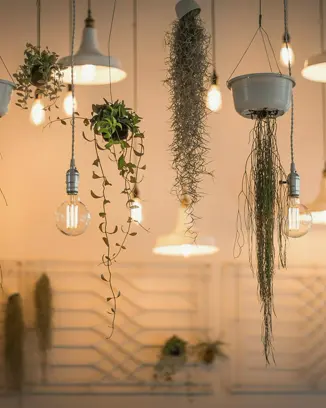 Big newsBig news4:5
 Now openNow open1:1
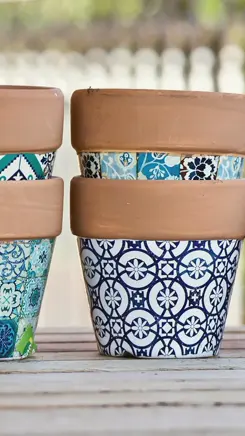 Flash saleFlash sale9:16
- Bundle dealBundle deal1:1
- Monday quoteMonday quote1:1
- Founder noteFounder note4:5
 WorkshopWorkshop9:16
- Save the dateSave the date4:5
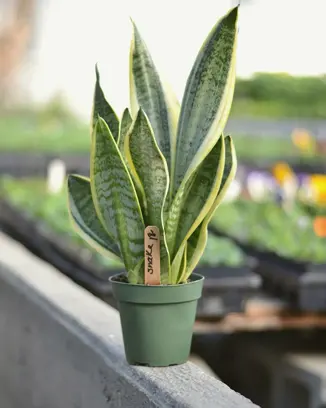 Product spotlightProduct spotlight4:5
- Before / afterBefore / after1:1
 3 quick tips3 quick tips4:5
- We're hiringWe're hiring1:1
Questions
Something else? Ask us
Do I need design experience?
No. Start from a template or a size preset, change the words and photos, and PostRocket keeps spacing and brand colours consistent.
Which sizes can I design for?
Story and Reel (1080×1920), portrait (1080×1350), square (1080×1080) and other common sizes such as landscape, Pins and banners.
How do the AI tools use credits?
Generating an image or background uses 2 credits per image, and failed images are refunded. AI text uses 1 credit per request. Manual editing is always free.
Can I upload my own photos and videos?
Yes. Uploads live in your media library, so you can reuse them across designs and posts.
How do designs get into a post?
Click “Use in post” and the finished graphic is attached to the post you’re writing, ready to schedule to any connected network.
Design your next post in minutes
7-day free trial on every plan. Cancel anytime.